How To Create an Account on AstraBit
This guide explains how to create an account, verify your email, and complete the required onboarding steps to access your AstraBit dashboard.
For troubleshooting or related account topics, visit the Help Center or see the resources listed below.
This content is provided for informational purposes only.
Step 1: Click Sign Up Button
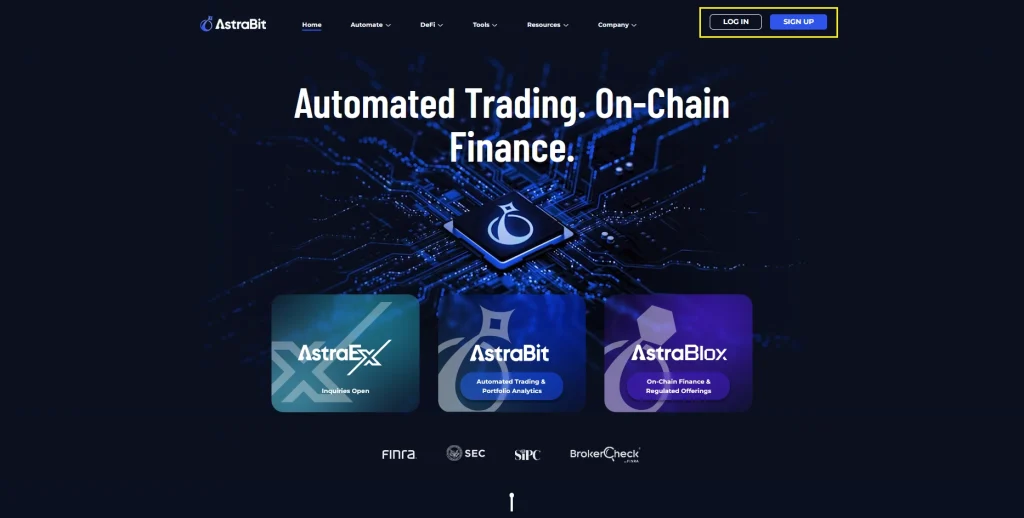
- From anywhere on the website, look for the Log In / Sign Up buttons at the top right.
- Clicking these will route you to sso.astrabit.io where you can Register or Login.
Step 2: Complete Registration Form
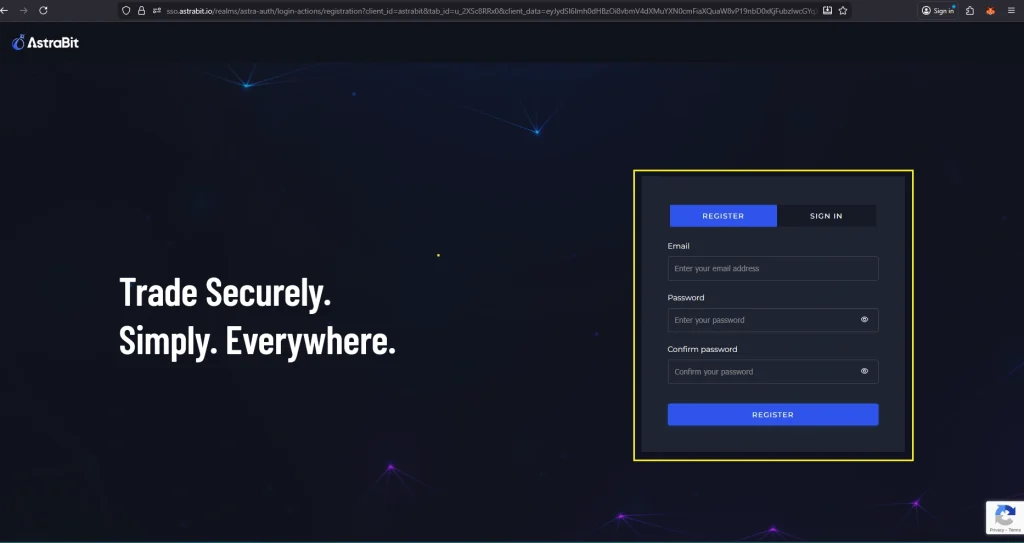
- Click on “Register” at the top.
- Enter your email and create a password.
- Click “Register” at the bottom.
- A verification code will be sent to your email.
Step 3: Verify Your Email
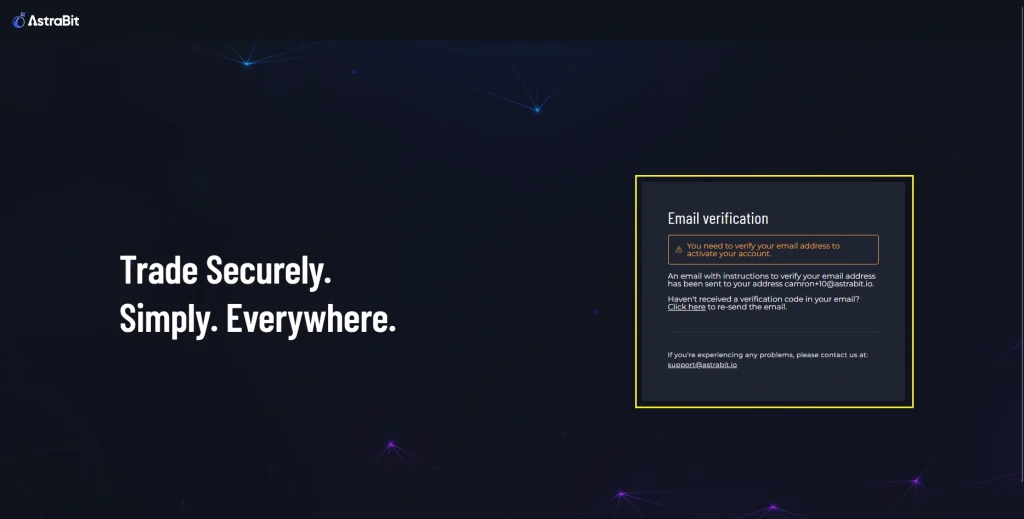
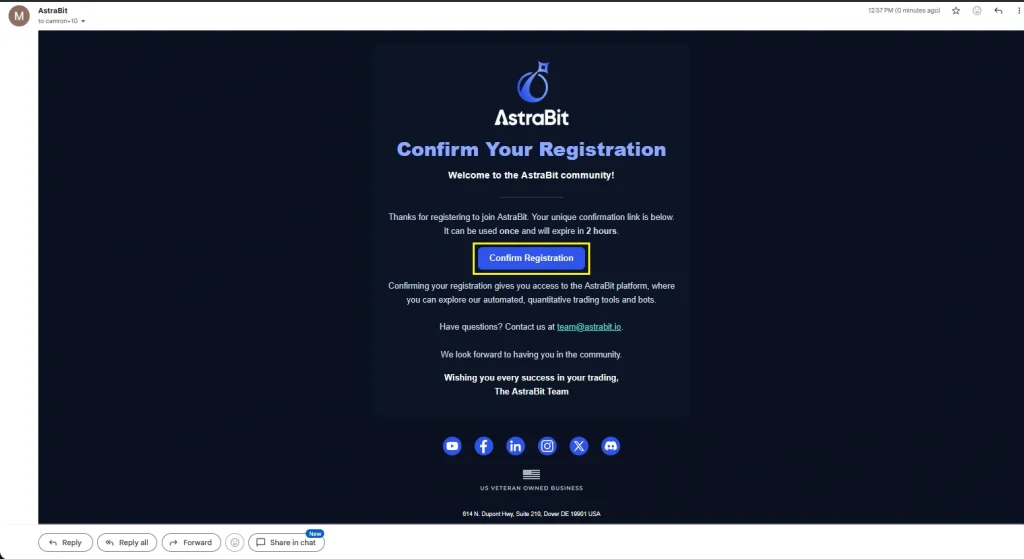
- Look for the confirmation sent to your email.
- Check in Spam if you don’t see it.
- Whitelist support@astrabit.io, admin@astrabit.io, and marketing@astrabit.io emails.
- Click “Confirm Registration.”
- You will be taken back to AstraBit.
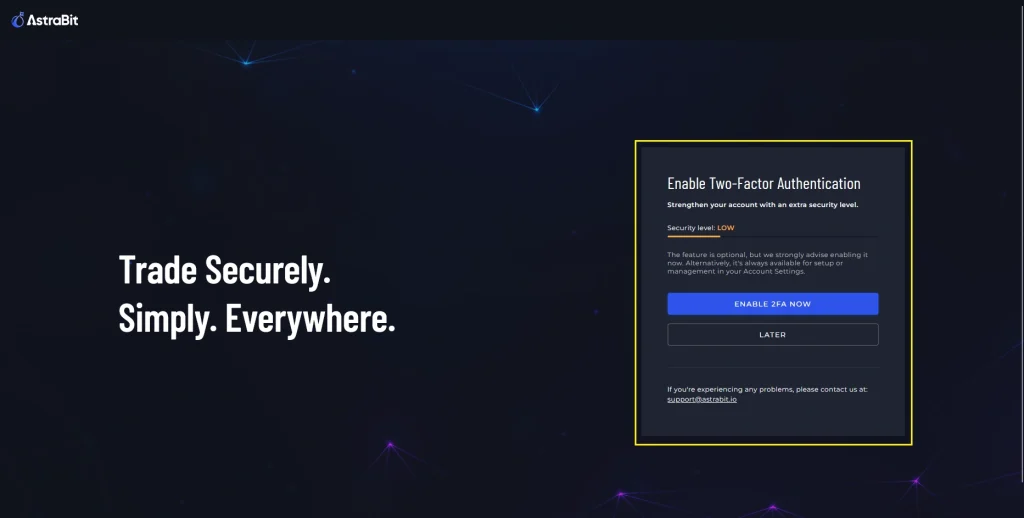
Step 4: Enable 2FA – Optional
- We will first ask you to enable Two-Factor Authentication.
- You may do this now, or complete it later from Profile & Settings.
- It is recommended to have 2FA enabled for additional account security.
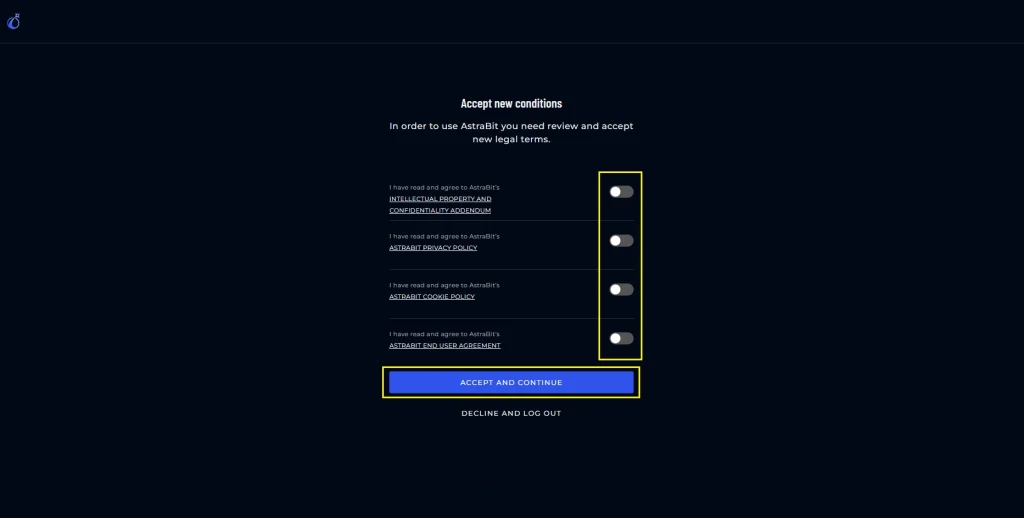
Step 5: Accept Terms & Conditions
- Read and Review all Terms & Conditions.
- Click to Toggles to confirm you accept.
- Click “Accept and Continue” once finished.
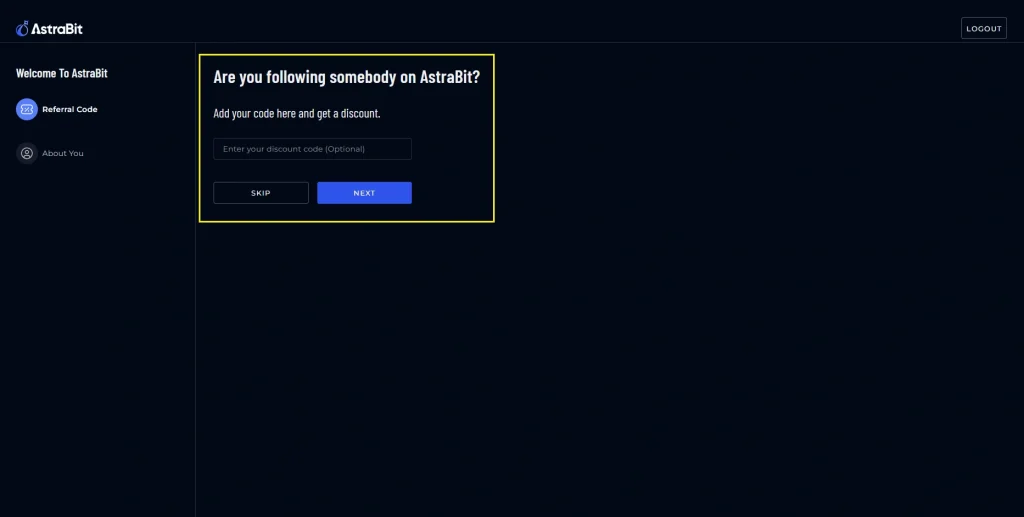
Step 6: Enter Referral Code
- Did a friend invite you?
- Input their referral code here. This allows them to earn from Credits.
- If you do not have a code, you can skip this.
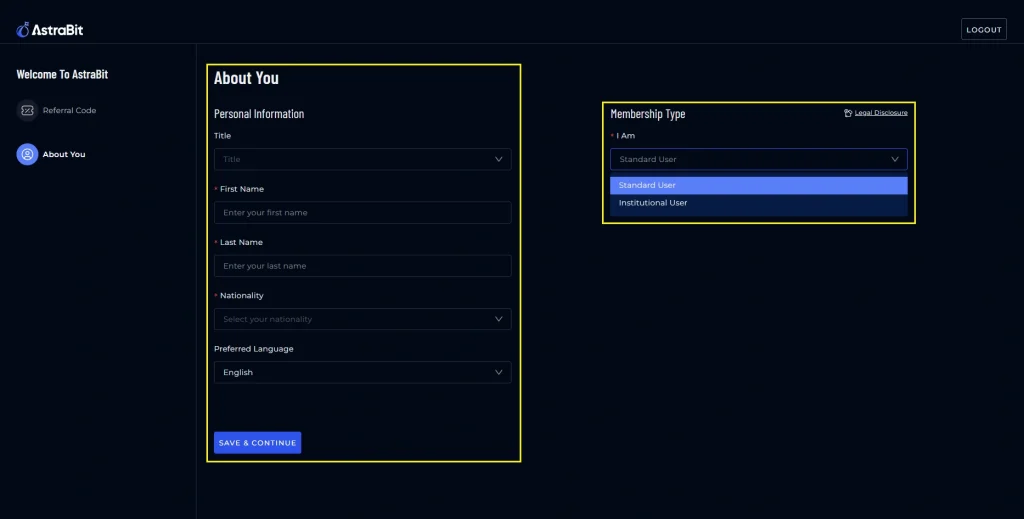
Step 7: Profile & Account Type
- Input basic profile information.
- Title, First Name, Last Name, Location.
- Select Membership Type – Retail or Institutional
- Most users will be Retail.
- There are additional Terms & Conditions for Institutional clients.
Step 8: Account Creation Successful
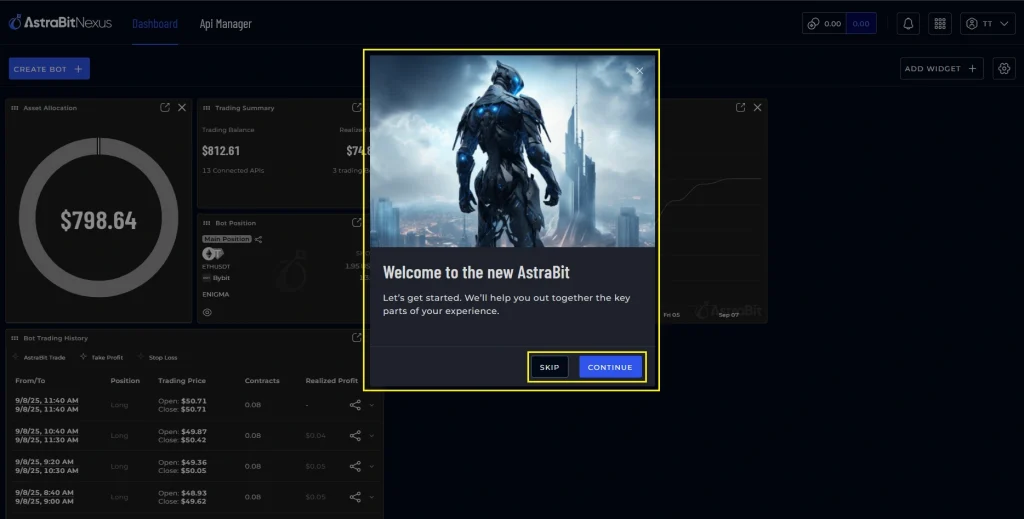
- You will then be brought to the Nexus Dashboard for the first time.
- There is a short Wizard to show you important access points.
- Welcome to AstraBit!