
Getting Started · Help Center
How to Add Billing & Purchase Credits
Add billing information and purchase Credits so your account can pay for trading activity and platform usage — entering a payment method, understanding when charges occur, and buying Credits that are used before any card is billed. For users who already have an AstraBit account and want to activate or fund a trading bot.
Account setup guide only; not trading or investment advice.
Before You Begin
How Billing Works
A Card Is Required
To activate a trading bot, you need an active credit/debit card on file — but you will not be charged immediately. Your account uses Loyalty Credits first.
Credits, Simply
1 Credit = $1 USD, and 25 is the minimum purchase. Credits are available in your account immediately after top-up.
Earn Credits for Free
The Freemium + Loyalty program credits you back a share of trading-fee commissions when you trade on eligible affiliate exchanges — applied automatically toward your AstraBit costs.
Your Data Is Protected
Pay with fiat via credit/debit card (crypto payments are in the works). AstraBit is PCI compliant and protects all user information.
Step-by-Step
Six Steps, Start to Finish
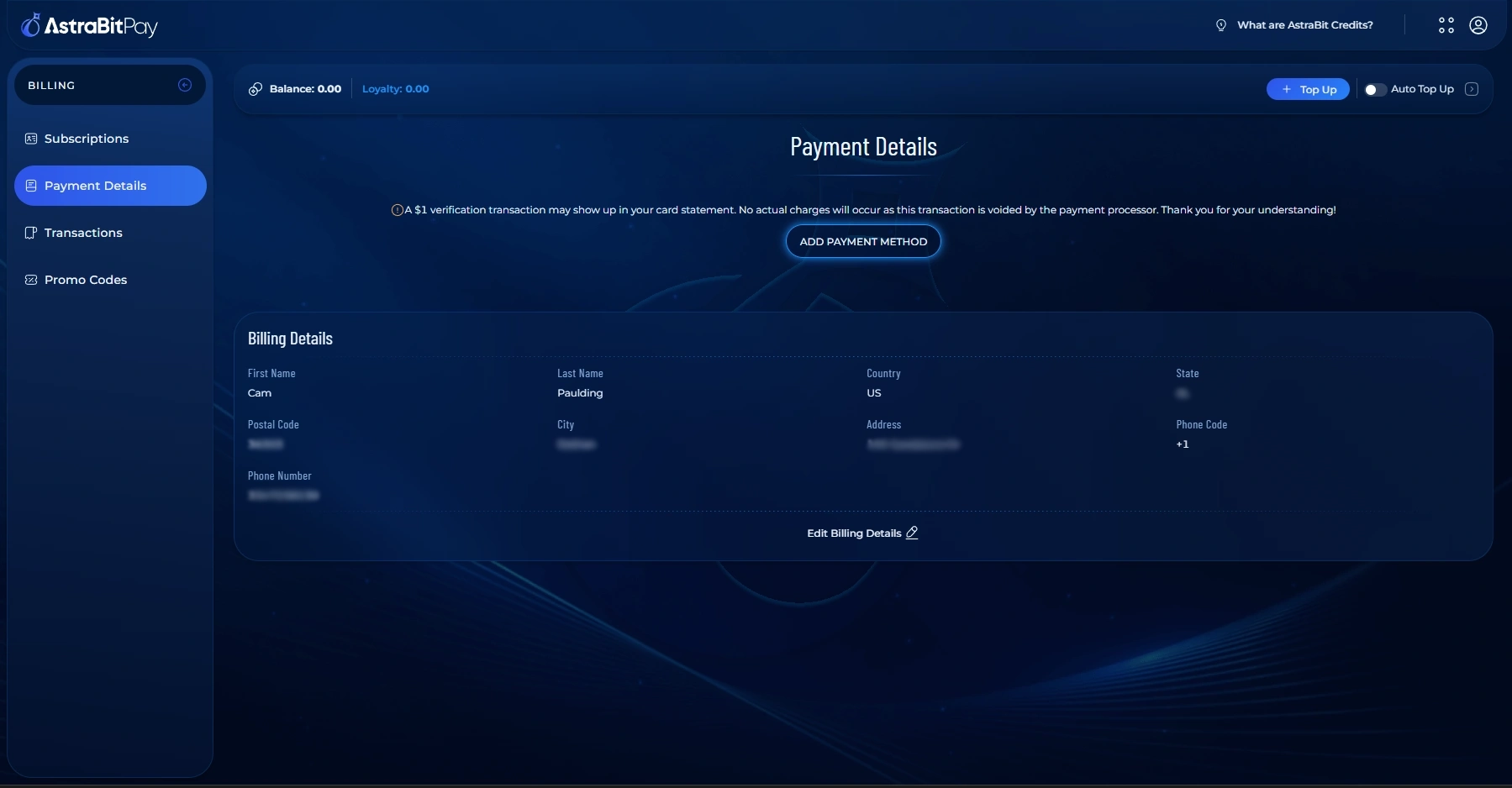
Add a Payment Method
- Head over to AstraBit Pay.
- Under Payment Details, add your credit/debit card information.
- Complete the Billing Details section for the card on file.
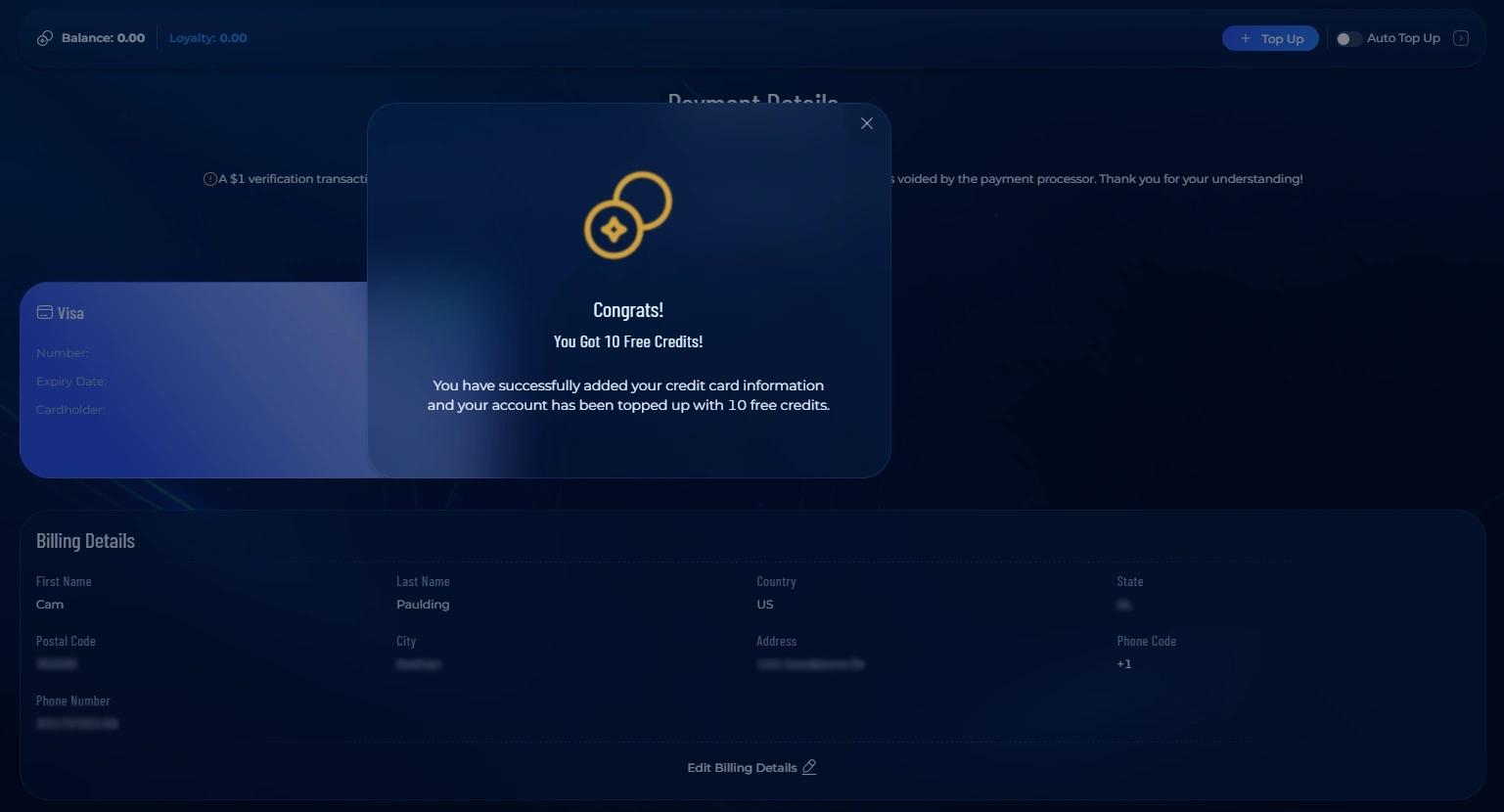
A card is required to activate a trading bot, but you won’t be charged immediately — Loyalty Credits are used first. Adding a card currently earns you 10 free Credits.
Choose Your Top-Up Amount
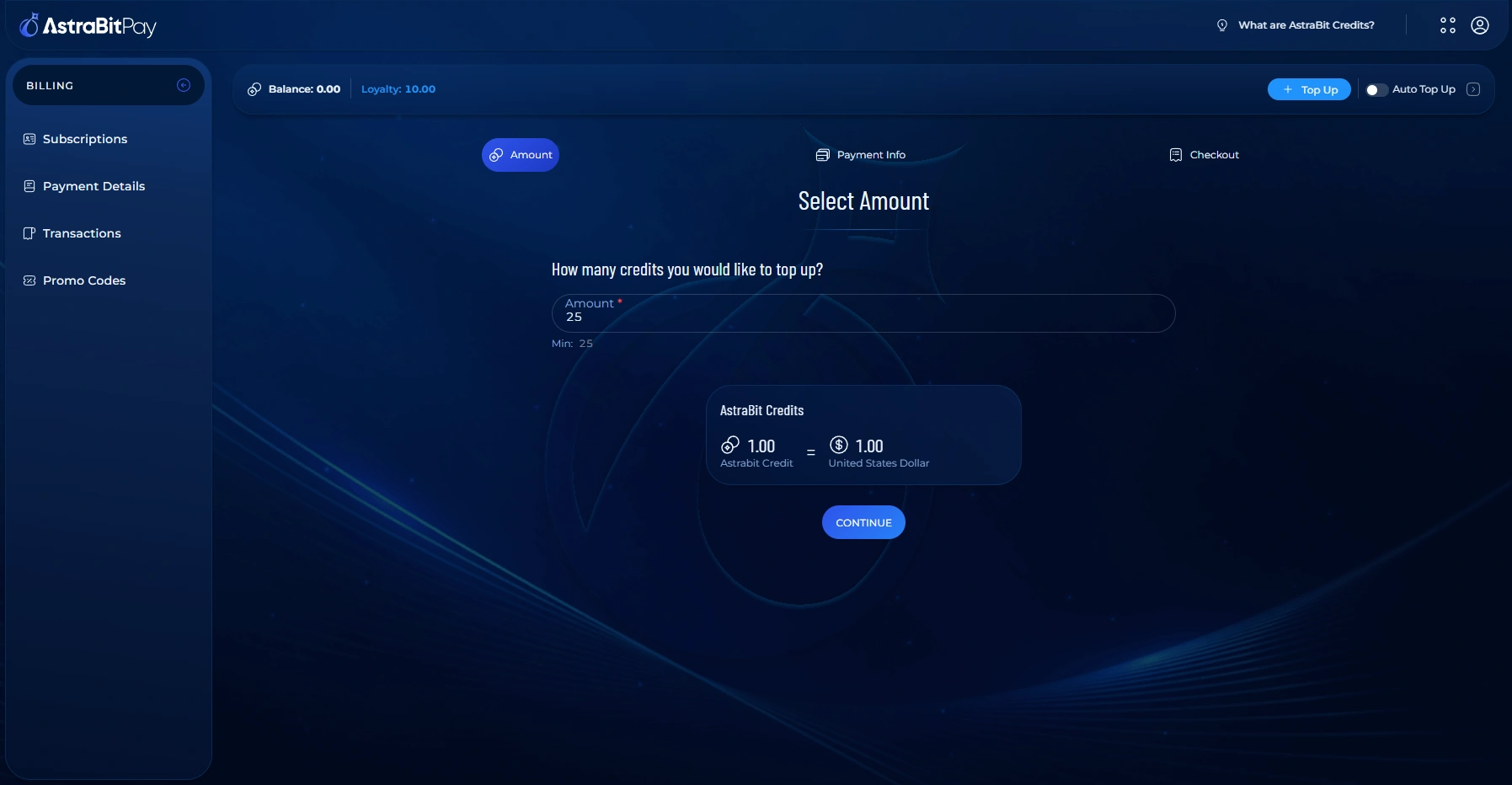
- Click Top Up on the right-hand side.
- Select the amount of Credits you want to purchase.
25 is the minimum purchase, and 1 Credit = $1 USD.
Select a Payment Method
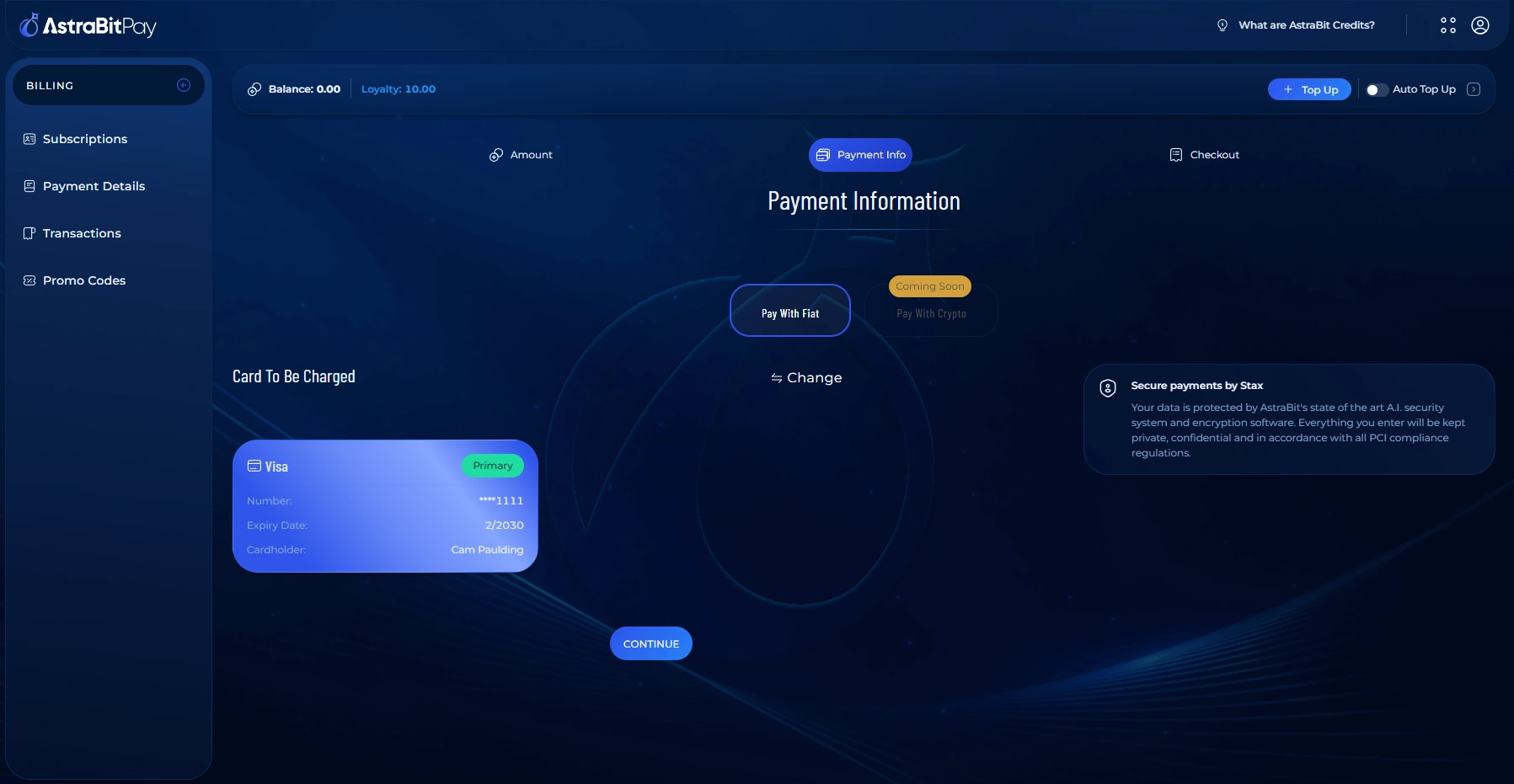
- Pay with fiat via credit/debit card. (Crypto payments are coming soon.)
AstraBit is PCI compliant and protects all user information.
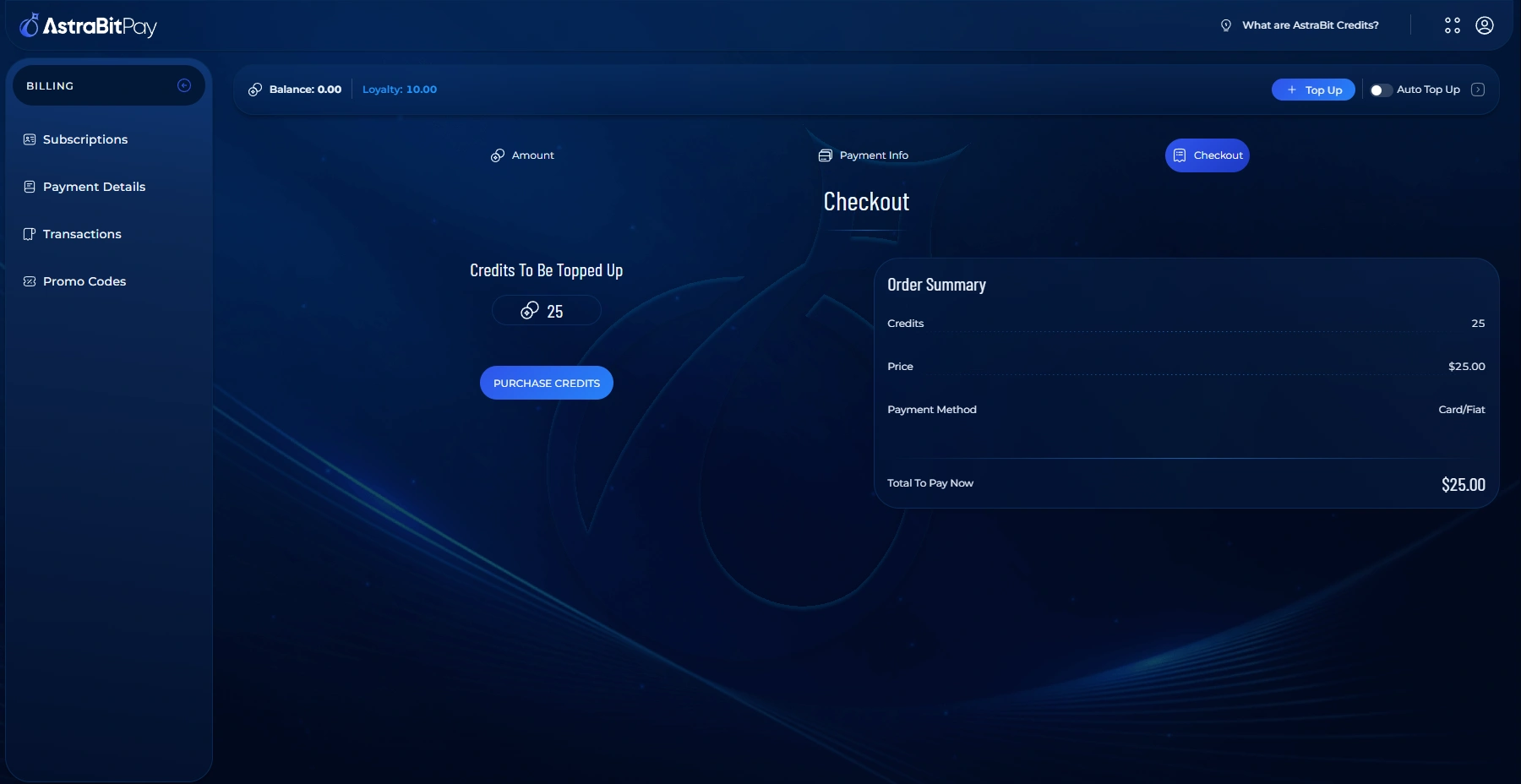
Confirm the Top-Up
- The final screen shows your invoice.
- Click Purchase Credits to confirm and complete the top-up.
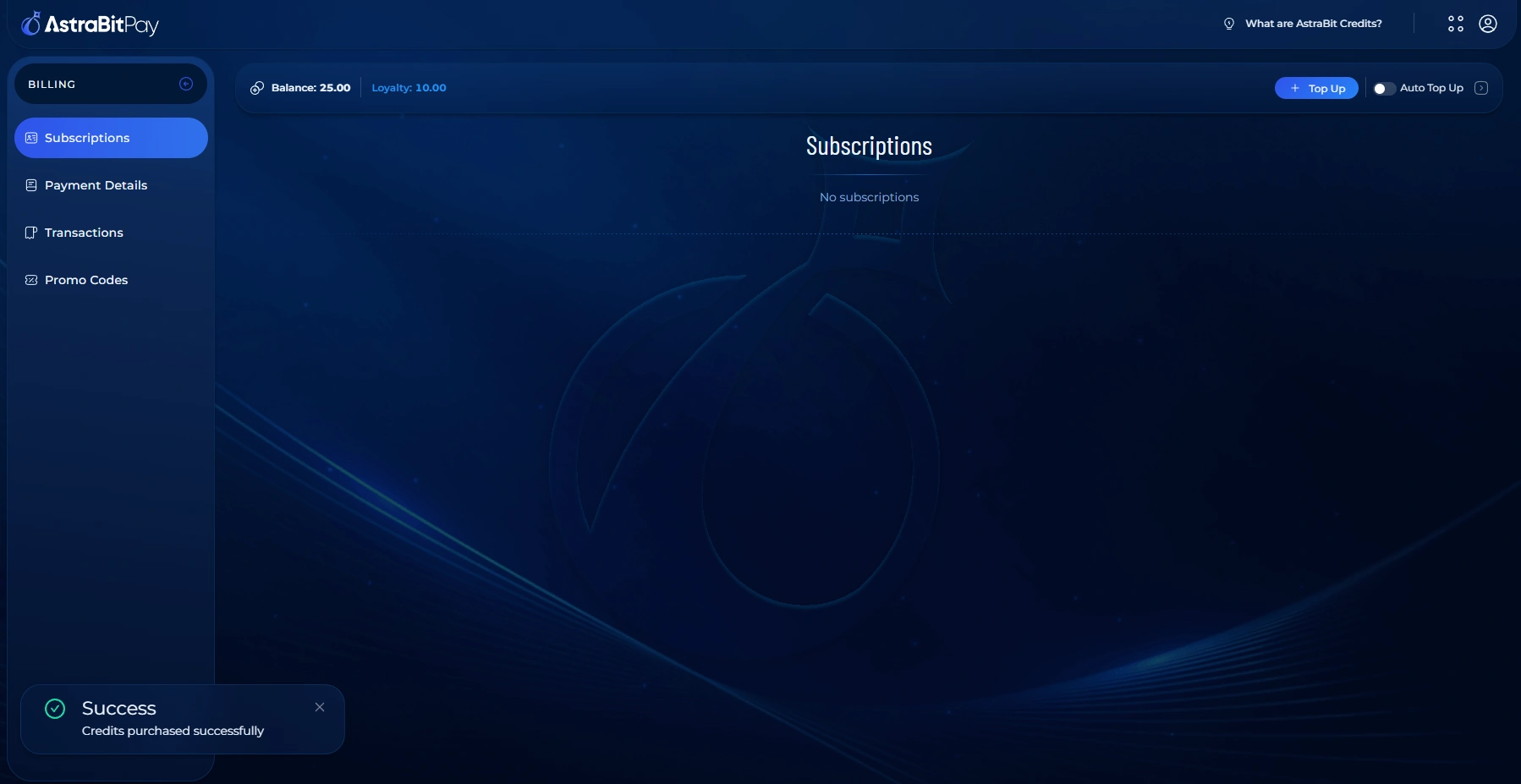
Credits Added
- Your purchase completes and your new Credits are added to your account.
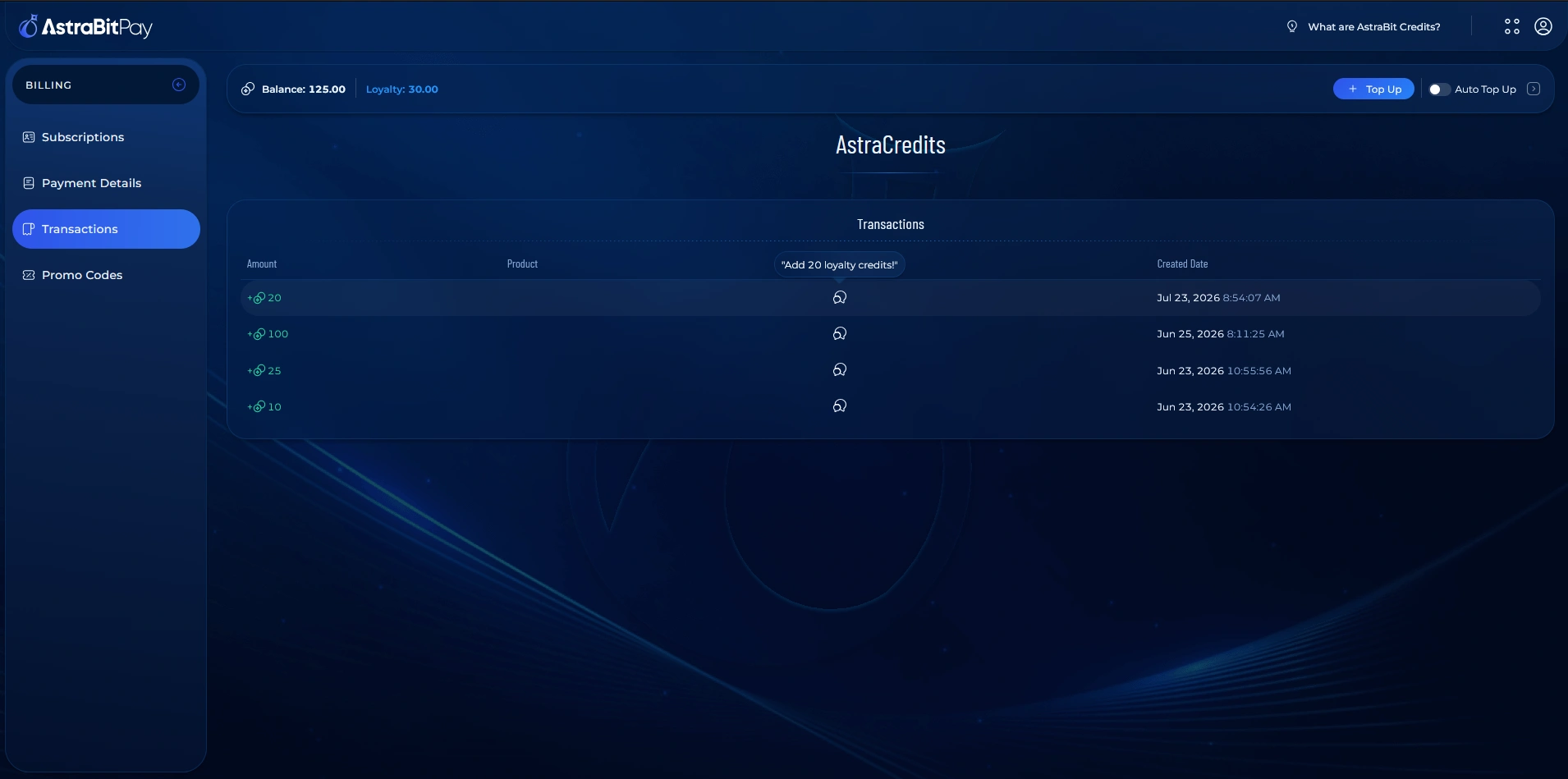
Earn Credits with Loyalty
- With the Freemium + Loyalty program, you can earn Credits instead of buying them.
- Create an exchange account using one of the eligible affiliate links below.
- Your trading volume generates fees; AstraBit receives a commission and credits a share back to you.
- Loyalty Credits are applied automatically toward your AstraBit costs.
Freemium Eligible
Eligible Affiliate Exchanges
Sign up through these links to become Freemium-eligible and start earning Loyalty Credits from your trading volume.
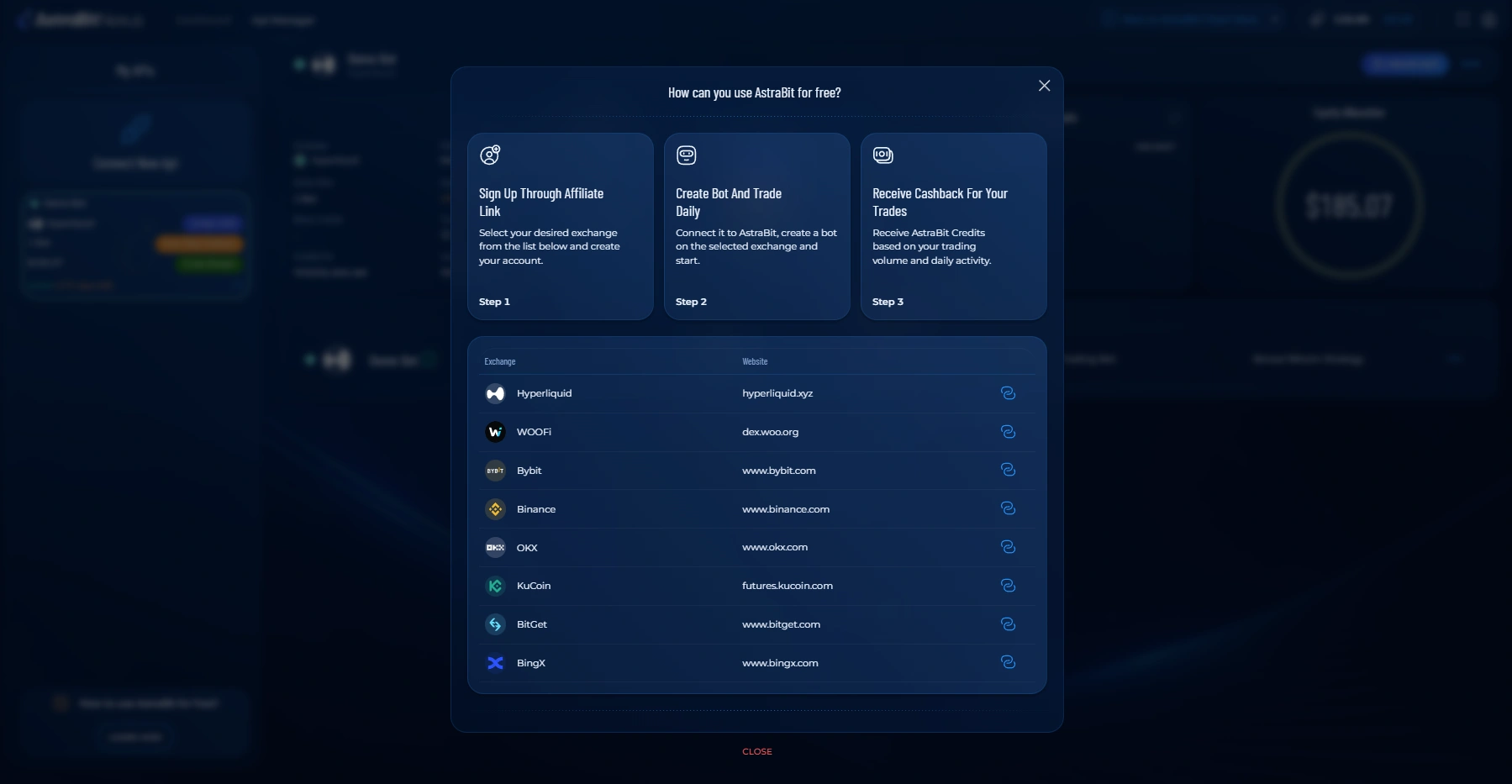
*Exchange is Freemium eligible.
Related Concepts
Funded Up
Credits In, Bot On
With billing set and Credits in your account, you’re ready to activate a trading bot.
Launch your trading bot
Connect an exchange, pick a strategy, and put those Credits to work.
