
Getting Started · Help Center
The AstraBit Interactive Guide
Right after you finish creating your account, AstraBit shows a short interactive guide that points out the key areas of your Nexus Dashboard. You can walk through it or skip it — either way, it only ever appears once.
This content is provided for informational purposes only. For troubleshooting or related account topics, visit the Help Center.
How It Works
A Quick, One-Time Tour
Appears Automatically
The guide opens on its own the first time you reach the Nexus Dashboard, immediately after registration.
Skip Whenever You Like
Not interested? You can skip it at any point. Once you skip, it won’t appear again.
Shows Only Once
Walk through it fully and it won’t appear again either. It’s a one-time welcome, whether you complete it or skip it.
Just a Tour
It only highlights where things are on your dashboard. Nothing is set up, changed, or activated for you.
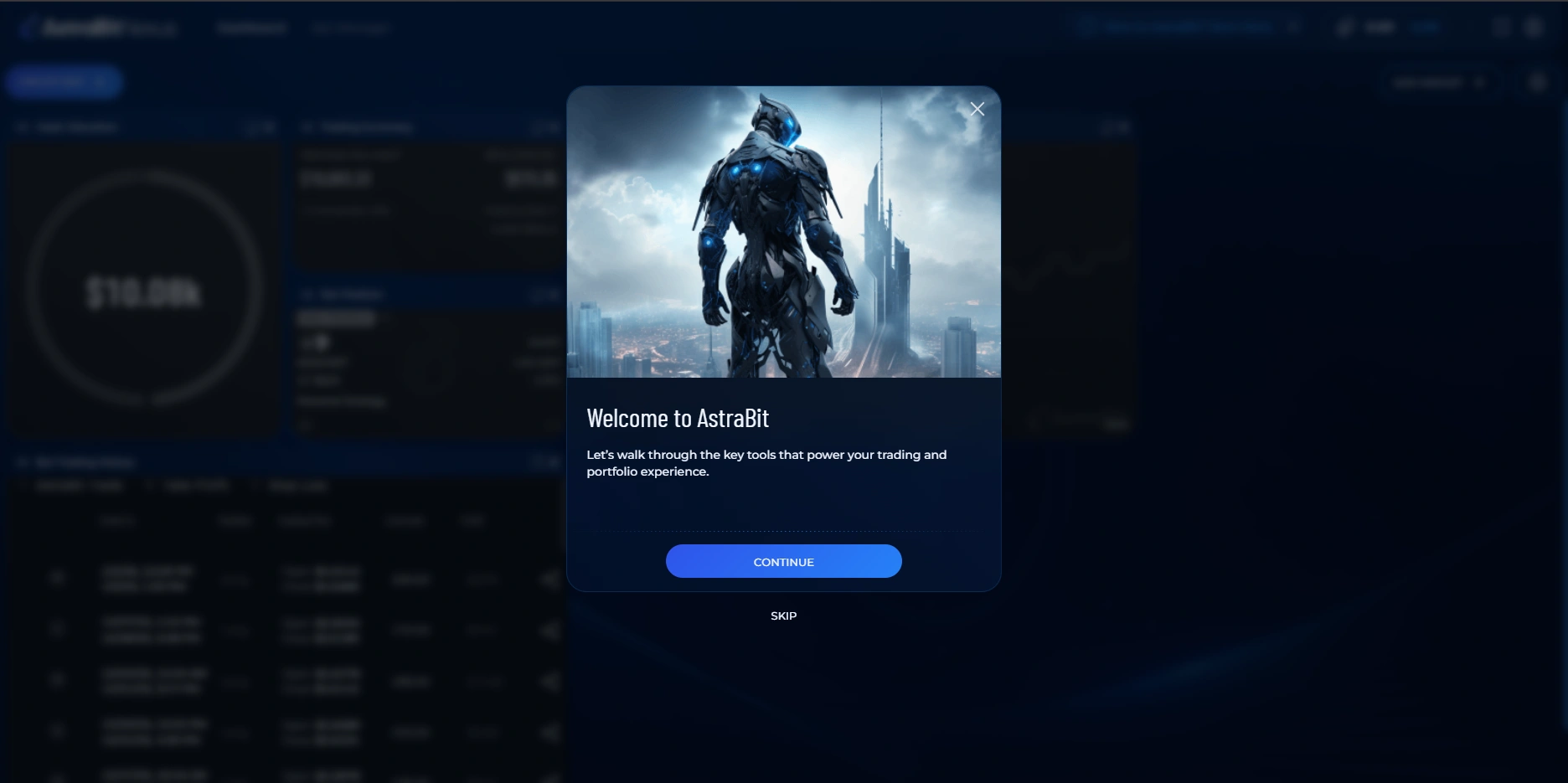
The Walkthrough
What the Guide Highlights
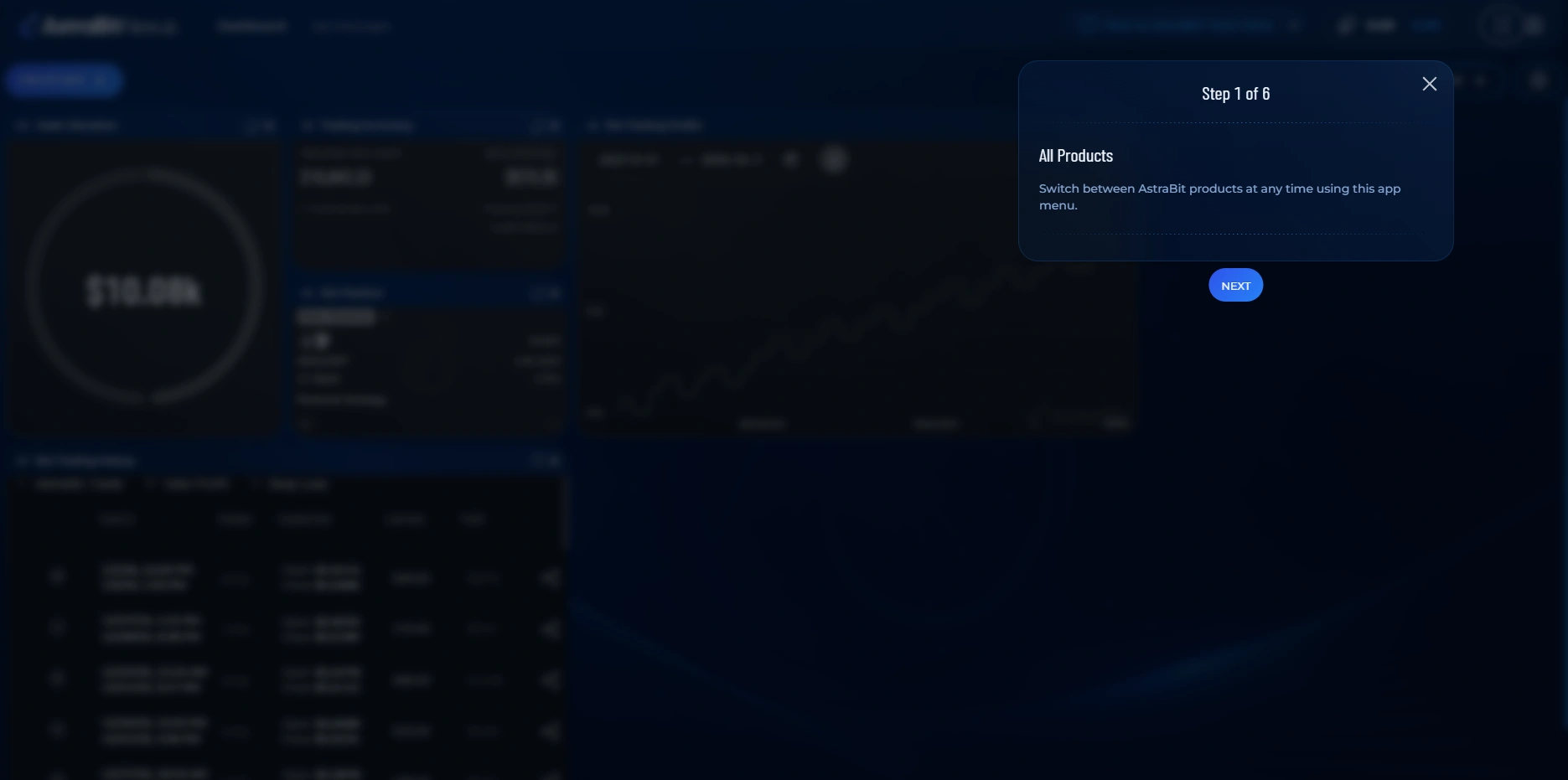
All Products
Your launchpad to everything AstraBit offers — browse the full set of products and tools from a single place.
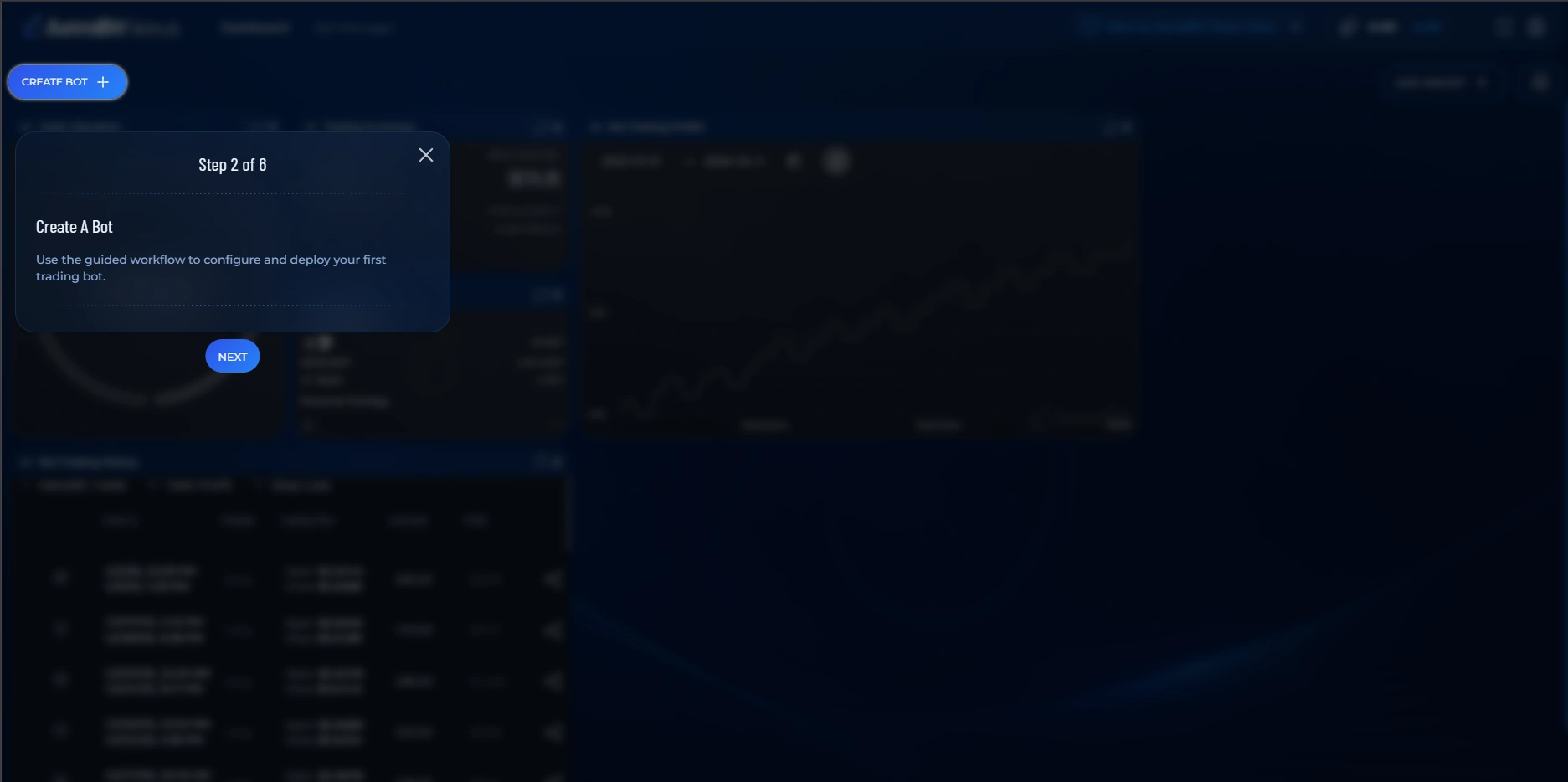
Create a Bot
Jump straight into setting up a new automated trading bot — the core of what you’ll do on AstraBit.
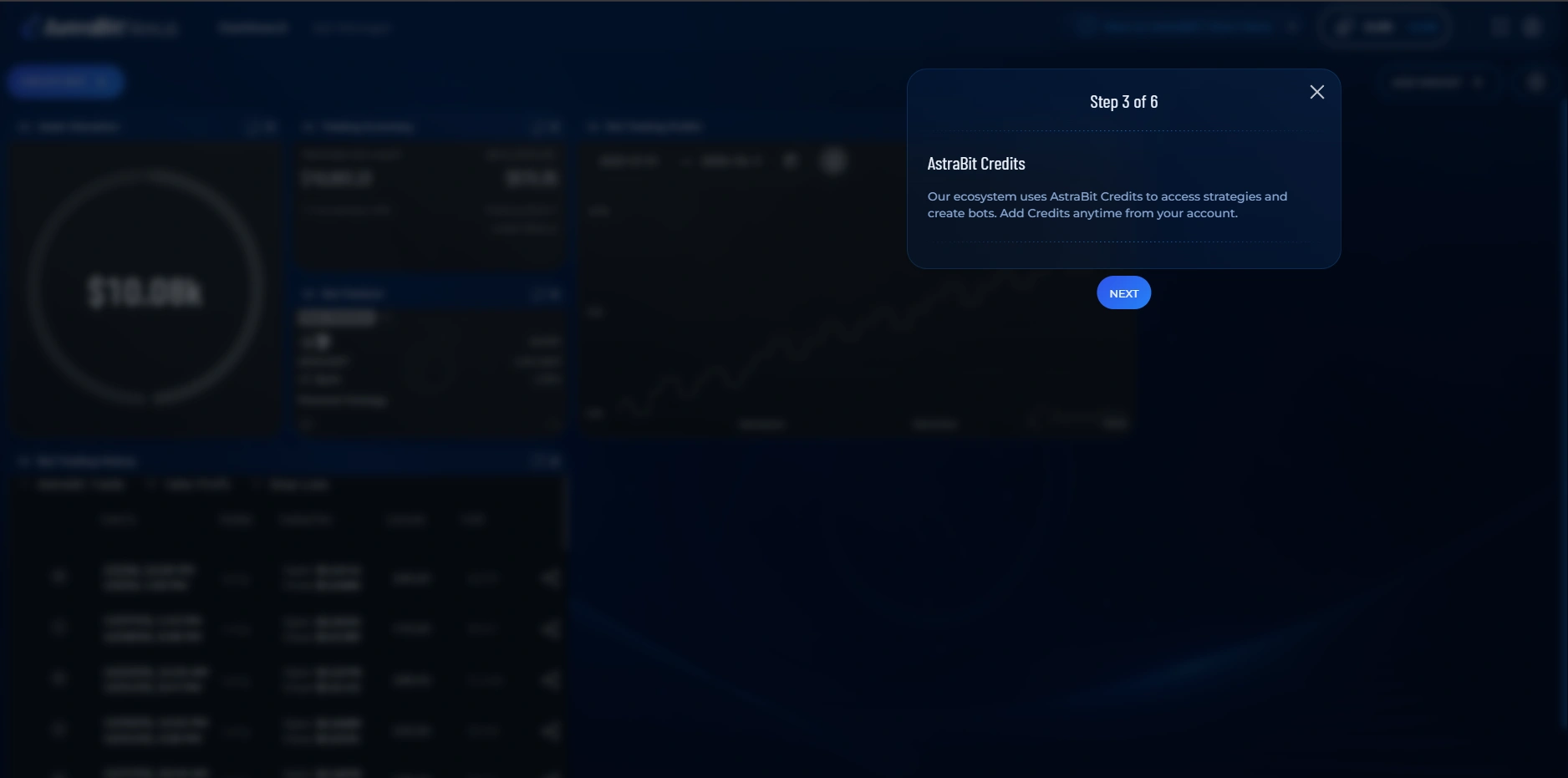
AstraBit Credits
Track and manage your Credits, including what you earn through referrals.
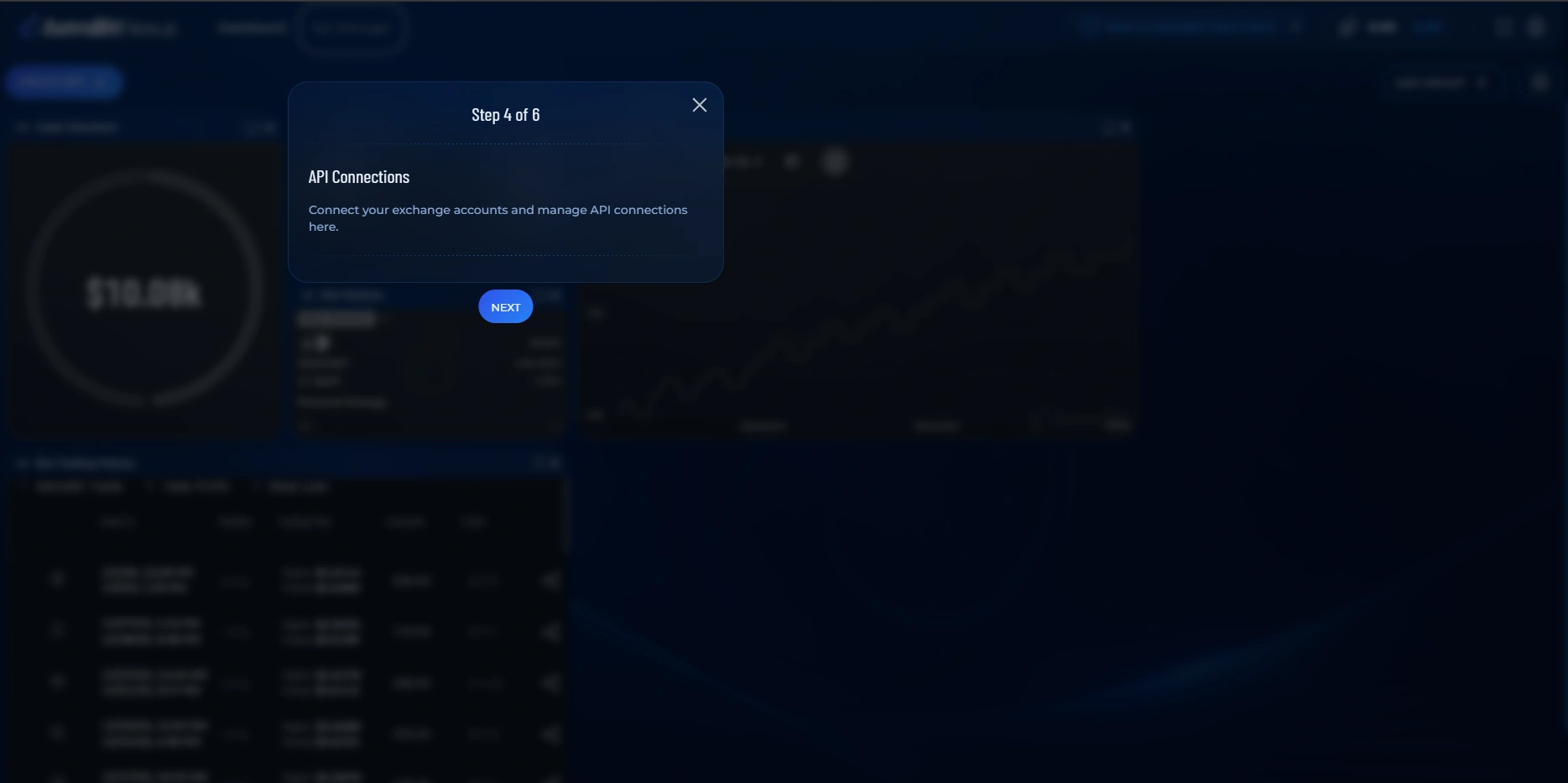
API Connections
Connect your exchange via API keys so your bots can trade on your behalf.
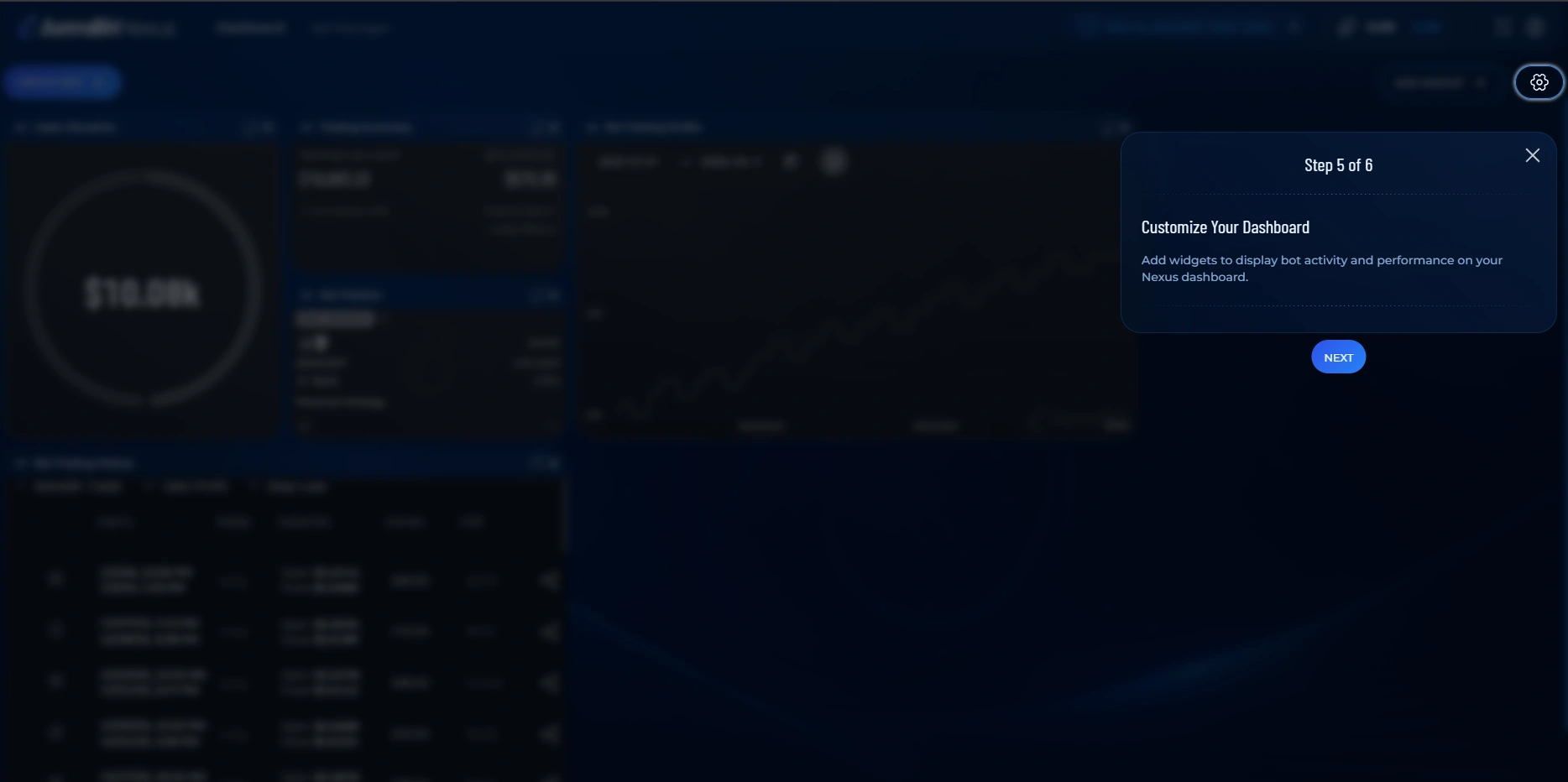
Widget Customization
Arrange and personalize the widgets on your dashboard so the data you care about is front and center.
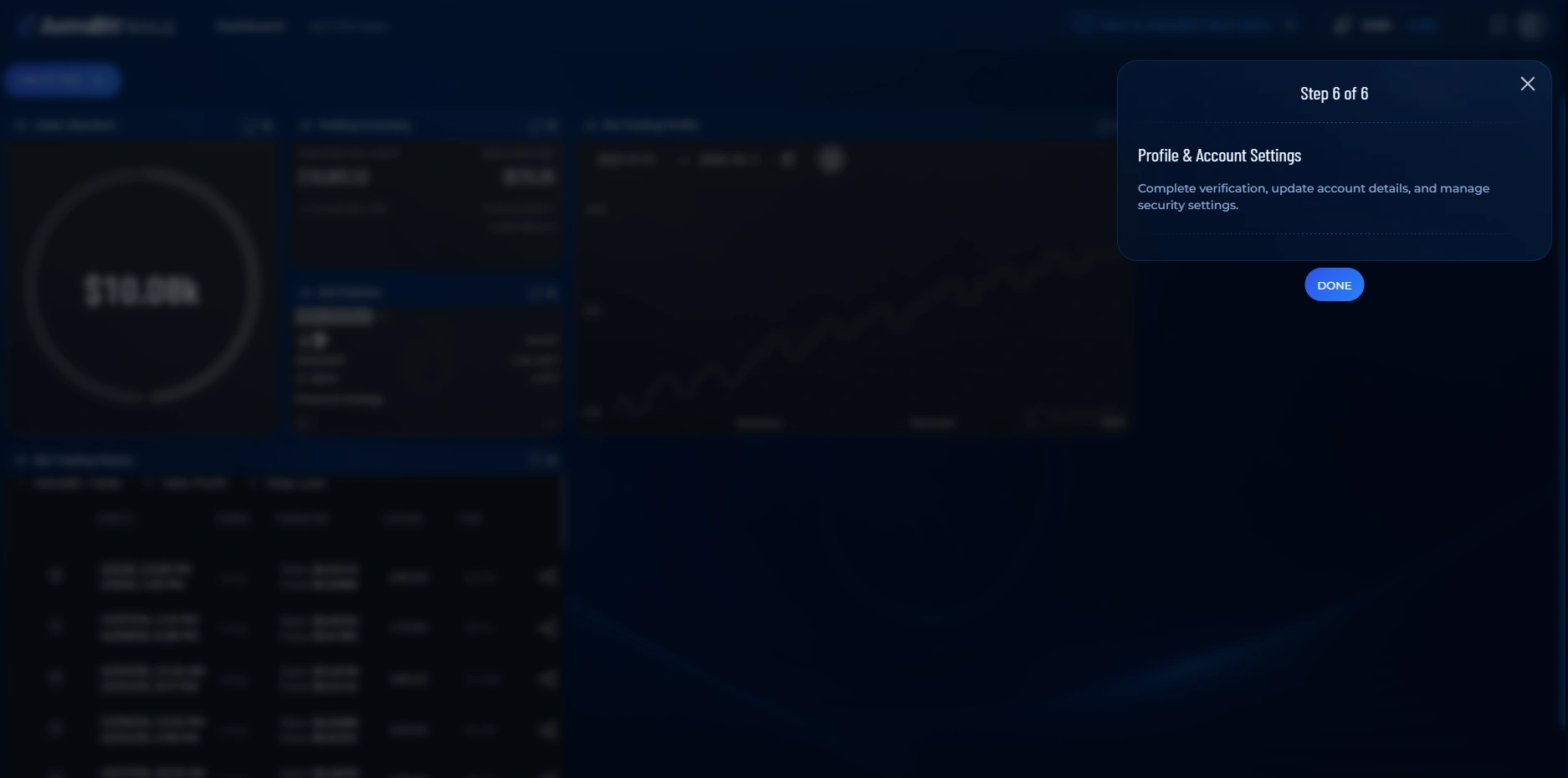
Profile & Account Settings
Manage your profile, security (including 2FA), and account preferences.
Because the interactive guide only appears once, this article is the easiest way to revisit what each area does after you’ve skipped or finished it.
You Know Your Way Around
What’s Next?
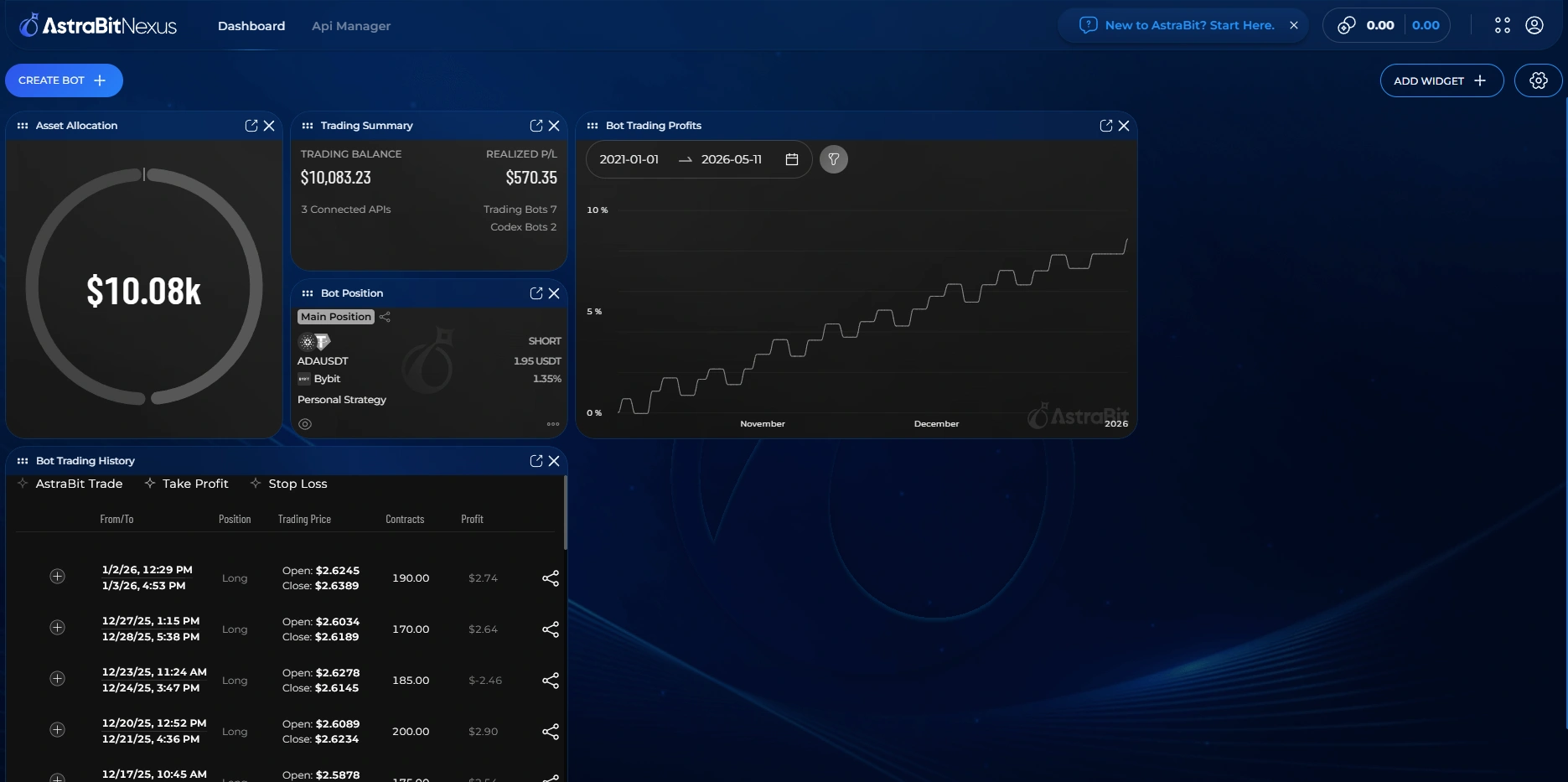
Once the guide closes, you land on your Nexus Dashboard. From here, the typical path is: connect an exchange, then create your first trading bot.
Set up your first trading bot
Connect an exchange API and link a strategy — the full walkthrough is in the Help Center.
