
Getting Started · Help Center
The New User Checklist
“Welcome to AstraBit” is a step-by-step checklist that shows new users exactly where to go and what to do after signing up — from finishing your profile to creating your first trading bot. Each step links straight to the right place.
This content is provided for informational purposes only. For troubleshooting or related account topics, visit the Help Center.
Finding It
How to Open the Checklist
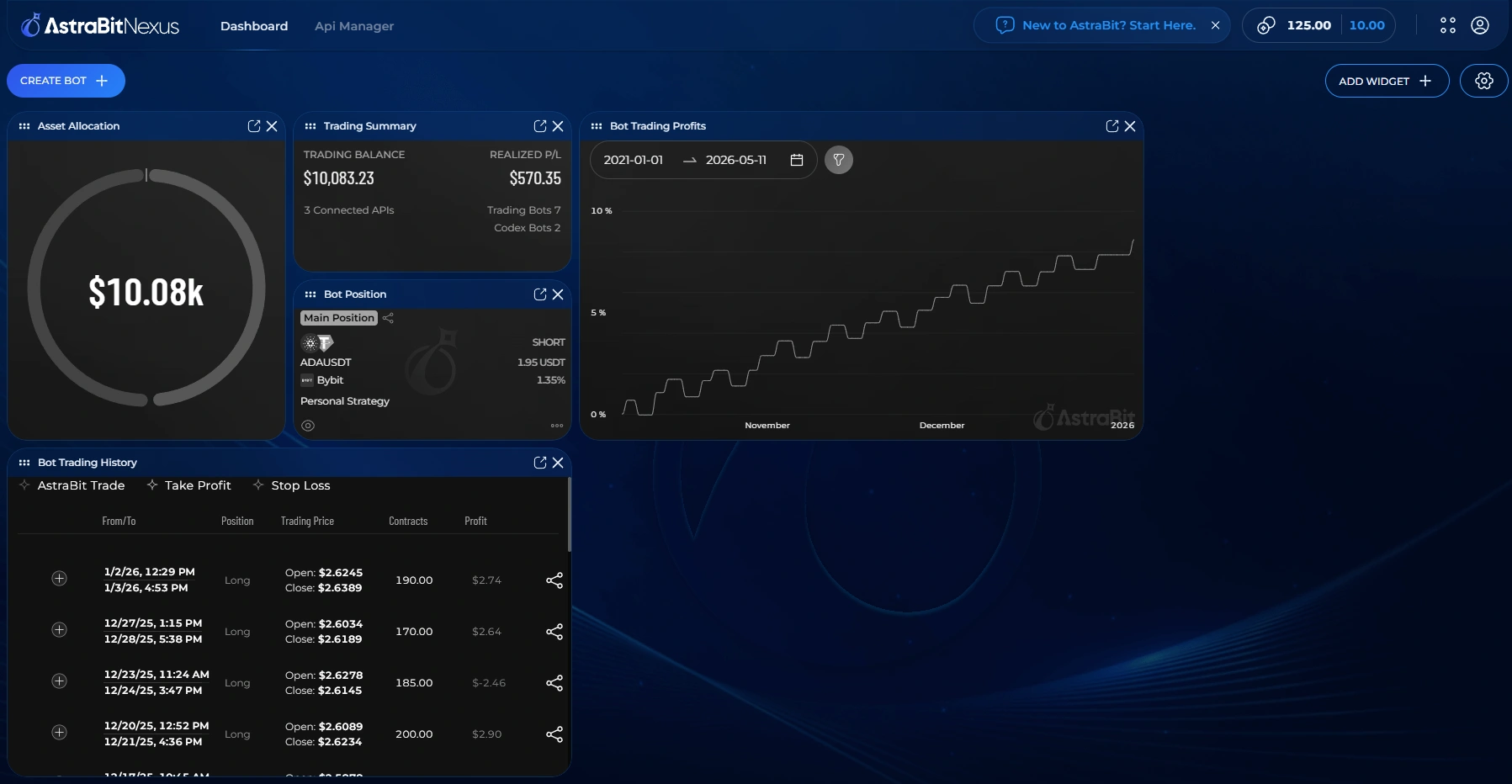
Look for the “New to AstraBit? Start Here” button. There are two ways to reach it, and it’s available whenever you want a refresher.
From the Navigation Bar
Click “New to AstraBit? Start Here” in the main navigation at the top of the page.
From the All Products Menu
The same “New to AstraBit? Start Here” link also lives inside the All Products dropdown.
Inside the Checklist
What It Walks You Through
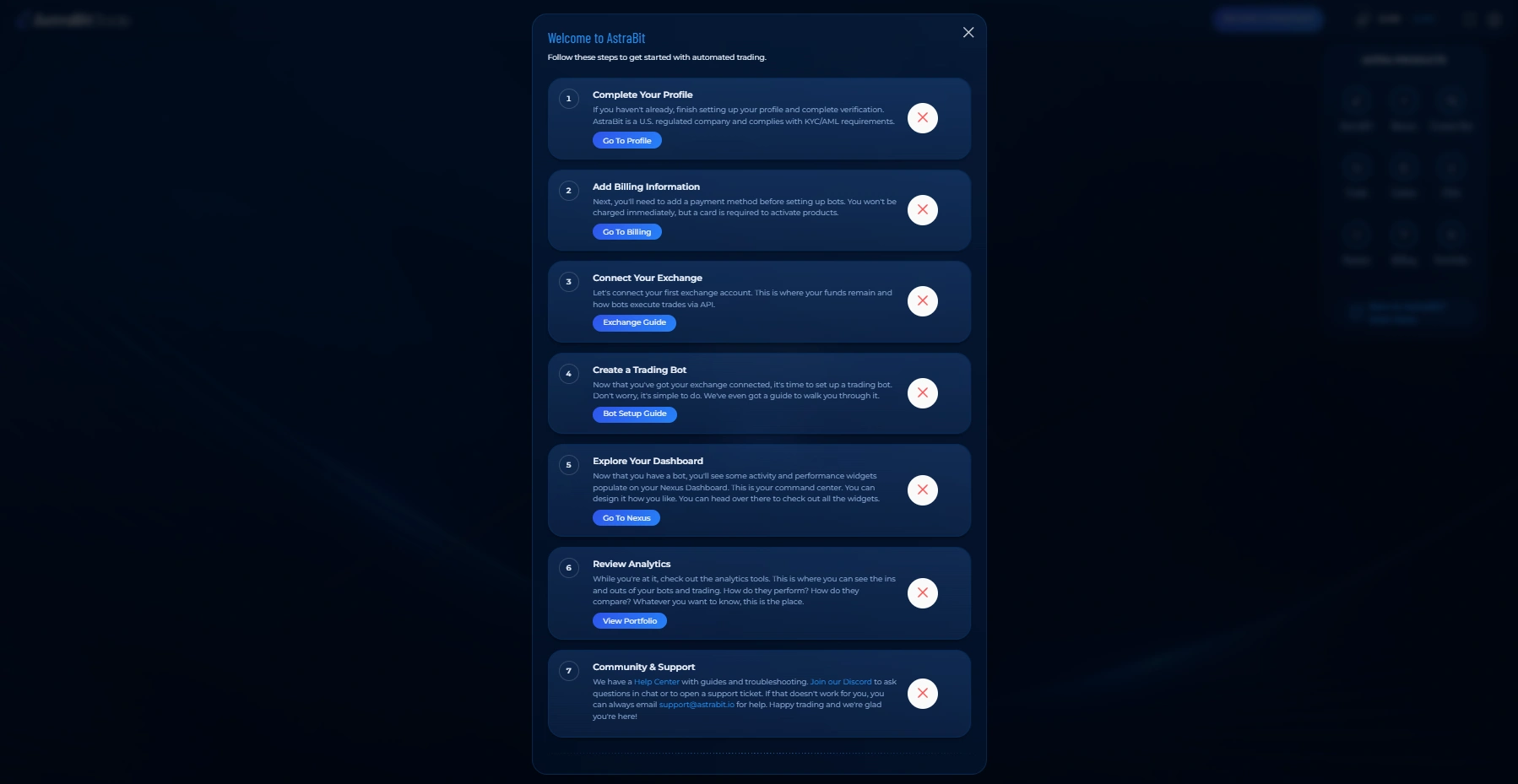
Seven steps take you from a fresh account to a running trading bot, with a button on each that jumps you to exactly where you need to be.
Complete Your Profile
Finish setting up your profile and complete verification. AstraBit is a U.S.-regulated company and complies with KYC/AML requirements.
Go To ProfileAdd Billing Information
Add a payment method. You won’t be charged immediately, but a card is required to activate products.
Go To BillingConnect Your Exchange
Link your first exchange account. This is where your funds stay, and how bots execute trades via API.
Exchange GuideCreate a Trading Bot
With your exchange connected, set up your first trading bot. It’s simple, and there’s a guide to walk you through it.
Bot Setup GuideExplore Your Dashboard
Once you have a bot, activity and performance widgets populate your Nexus Dashboard — your command center, which you can arrange however you like.
Go To NexusReview Analytics
Dig into the analytics tools to see how your bots and trades perform and how they compare.
View PortfolioCommunity & Support
Visit the Help Center for guides and troubleshooting, join the Discord to ask questions or open a support ticket, or email support@astrabit.io for help.
Work through the steps in any order and return whenever you like — the checklist is always one click away from the “Start Here” button.
All Set
Checklist Complete
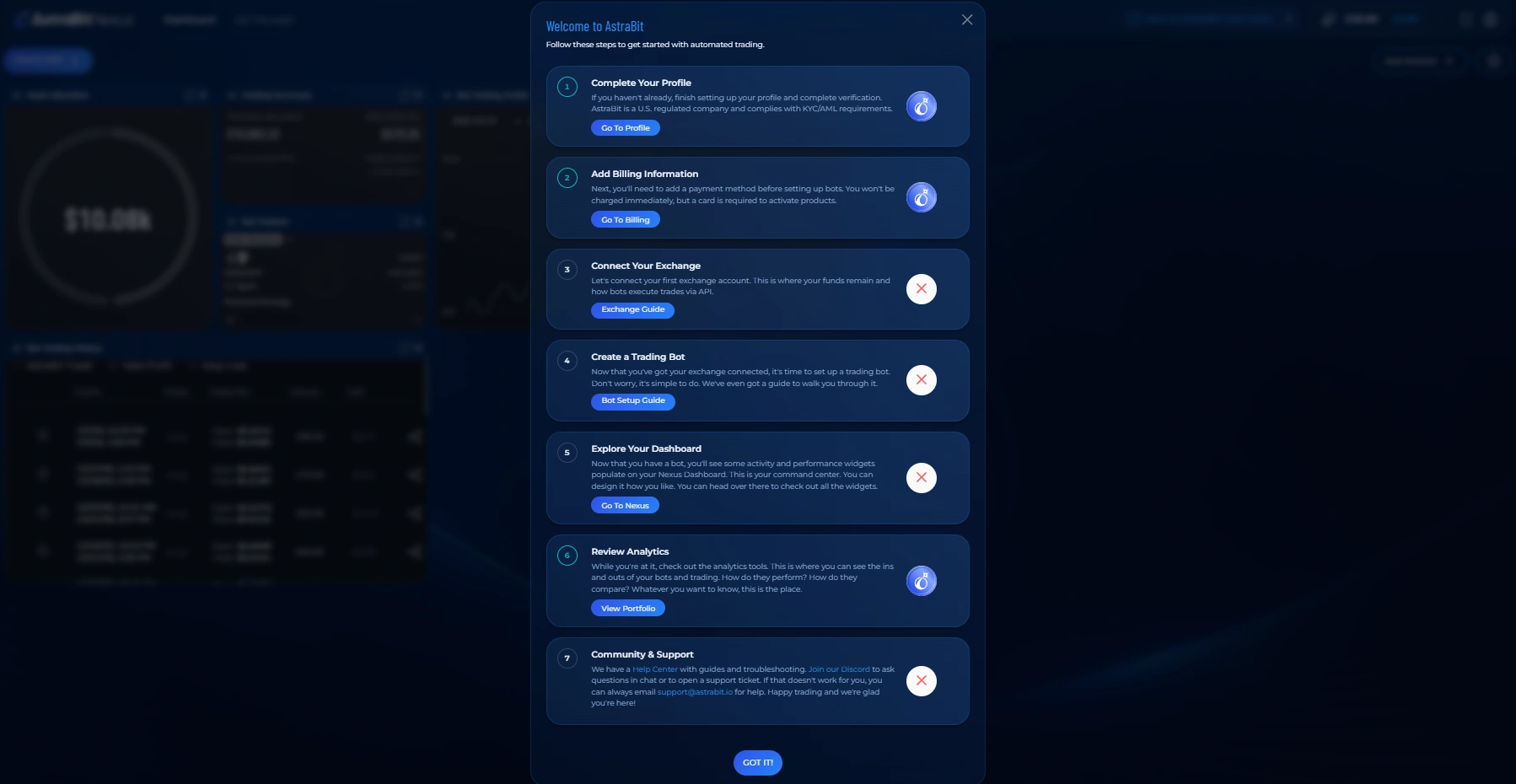
Once you’ve worked through the steps, you’re fully set up and ready to trade. You can reopen the checklist any time from the “Start Here” button.
Ready to set up your first bot?
Connect an exchange API and link a strategy — the full walkthrough is in the Help Center.
